
how to fix car radio cd player not working usually comes down to a short list of issues: no power to the head unit, a blown fuse, a disc jam, a dirty laser lens, or a wiring/ground problem that shows up as random resets.
If you want your CD player back without turning this into a weekend project, the best approach is boring but effective, confirm the symptom, check power and fuses, then move to cleaning and jam checks, and only after that consider deeper electrical or mechanical failure.
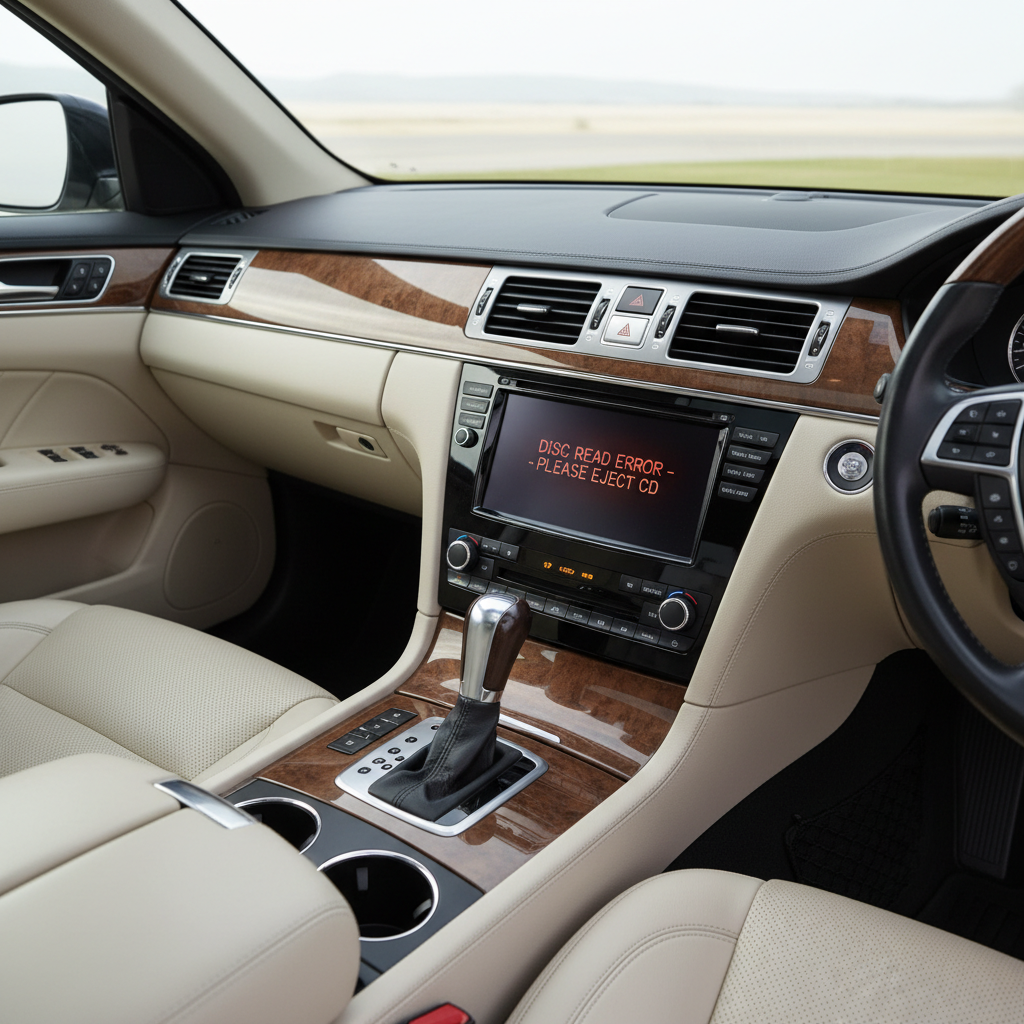
A quick note before we start, “not working” can mean very different things, it won’t accept a disc, it accepts but won’t read, it plays then skips, or the whole radio goes dead. Each points to a different fix, so we’ll sort that out first.
Start with the symptom, it tells you where to look
Before you touch tools, pin down what the unit is doing. This saves time and prevents you from chasing the wrong cause.
- No power: blank screen, no buttons, no audio at all.
- Power on but CD mode fails: radio works, CD says “ERROR,” “DISC,” “NO DISC,” or ejects immediately.
- Disc won’t load or won’t eject: mechanical jam, warped disc, or failing loader.
- Plays but skips: dirty disc, dirty lens, vibration sensitivity, or aging laser pickup.
- Resets or cuts out: loose connector, weak ground, or shared circuit issue.
Keep the disc you tested with, if it’s scratched or homemade with a questionable burn, you can misdiagnose the whole car.
Fast checks most people skip (and they matter)
These are the low-effort checks that often solve the problem, especially on older factory stereos.
- Try a known-good store-bought CD, not a burned disc. Some units hate CD-R, MP3 CDs, or certain brands.
- Inspect the disc under a light, fingerprints and haze cause read errors more than people expect.
- Warm/cold behavior: if it works only after the cabin warms up, you might be seeing aging electronics or a marginal laser.
- Check for “CD-in” logic: some units won’t switch to CD unless they detect a disc seated correctly.
According to the National Highway Traffic Safety Administration (NHTSA), driver distraction is a safety risk, so do testing while parked, not while driving and pressing buttons repeatedly.
Power and fuse checks: the most common “dead unit” fix
If the whole radio/CD unit is dead, start here. If you only have CD problems but radio works, you can skim this section.
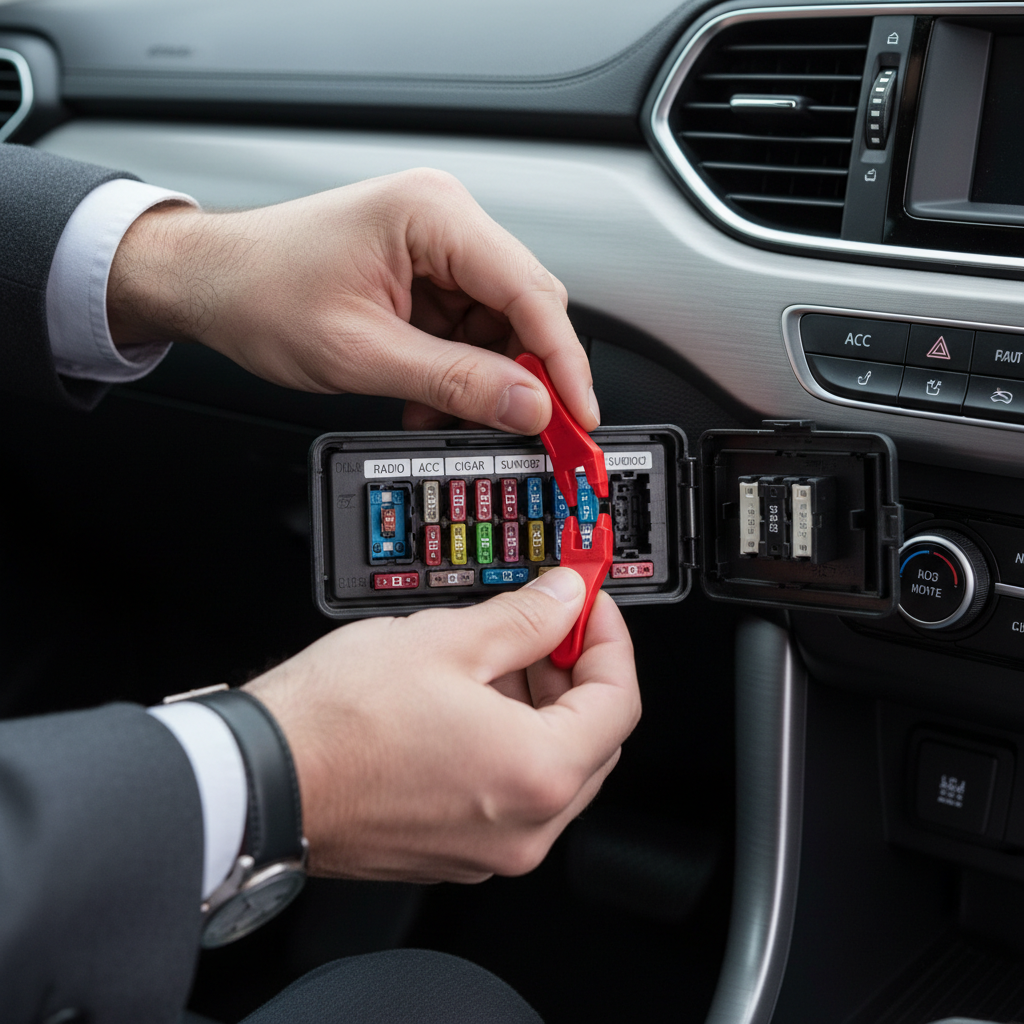
Check the fuses that feed the radio
Most vehicles have more than one fuse involved, a constant 12V (memory) and an accessory/switched 12V. Either can take the unit down or create weird behavior.
- Find the fuse box diagram in your owner’s manual or on the fuse box cover.
- Look for labels like RADIO, AUDIO, ACC, CIG, or AMP (varies by vehicle).
- Pull the fuse and inspect it, a break in the metal strip usually means it’s blown.
- Replace with the same amperage rating, not “close enough.”
According to AAA, basic vehicle maintenance checks should be done safely and calmly, if you’re not sure which circuit you’re touching, it’s reasonable to ask a shop to confirm the correct fuse positions for your trim level.
Quick battery and connection sanity check
If the car battery is weak or recently disconnected, some head units act up or require an anti-theft code. If you see “CODE” or similar, your next step is the manual, dealer documentation, or the manufacturer procedure, not more button mashing.
If the unit turns on and off when you hit bumps, think loose connector or marginal ground behind the stereo. That’s fixable, but it usually requires pulling the head unit safely.
When it loads but won’t read: cleaning and disc compatibility
For “NO DISC” or constant read errors, cleaning is the highest-probability win. This is also where people waste money on the wrong cleaning method.
Clean the disc first, then consider the lens
- Wipe the disc from center outward using a microfiber cloth, not circular scrubbing.
- Avoid household glass cleaners on discs, mild soap and water is usually safer, then dry fully.
- If multiple clean factory CDs fail, the lens may be dirty or the laser may be weak.
Lens-cleaning discs sometimes help, but in many cases they don’t, especially if the issue is a worn pickup rather than dust. If you use one, follow the instructions and stop if you hear abnormal grinding.
Compatibility gotchas (common in older OEM stereos)
- Some players won’t read CD-R, CD-RW, or MP3 data discs.
- Homemade burns at high speed can be harder to read, slower burn speeds often behave better.
- Labels or thick sticker decals can unbalance the disc and cause skipping or load problems.
Disc stuck, won’t eject, or won’t load: safe ways to handle a jam
Mechanical jams are stressful because you can hear the unit trying, then it gives up. The trick is to avoid turning a small jam into broken gears.
- Use the eject button with steady power: key in accessory mode, press and hold eject for 5–10 seconds (many units have a long-press behavior).
- Try a soft reset: turn the car off, open the driver door, wait a minute, then try again. Some vehicles fully power down modules this way.
- Check for a pinhole manual eject: some aftermarket units have one, many factory units do not.
- Avoid prying tools into the slot, it’s easy to bend the shutter or damage the rollers.
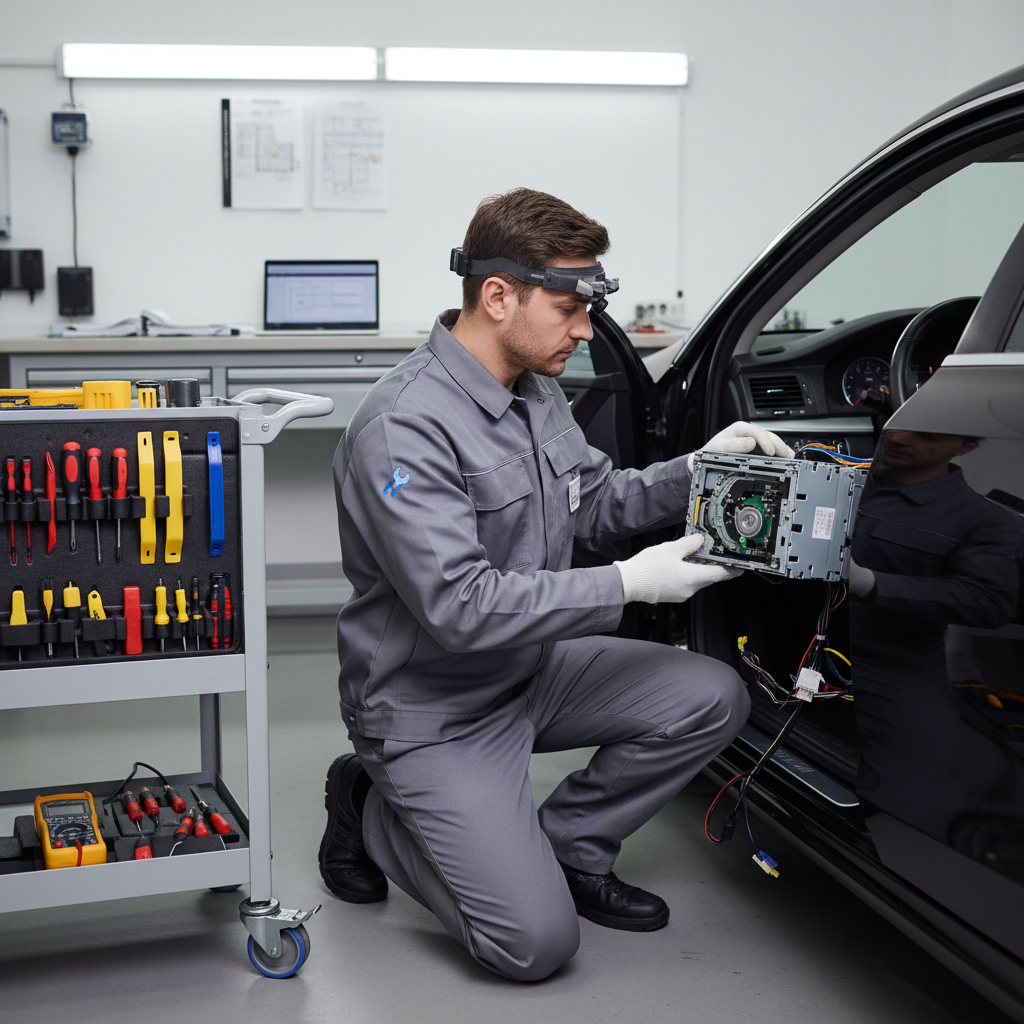
If you suspect two discs got pulled in or a warped disc is binding, that’s often the point where a professional stereo shop saves you money, because the faceplate and loader parts break easily.
Quick decision table: match your symptom to the most likely fix
If you prefer a fast path, use this table to pick the next step that usually makes sense.
| What you see | Likely cause | Try this first |
|---|---|---|
| Radio/CD unit totally dead | Blown fuse, no ACC power, bad ground | Check RADIO/ACC fuses, then wiring/ground |
| Radio works, CD says “NO DISC” | Dirty lens, incompatible media, weak laser | Test factory CD, clean disc, then lens cleaner |
| Disc won’t eject | Jam, warped disc, failing eject motor | Long-press eject, power cycle, avoid prying |
| Plays but skips on bumps | Dirty disc, vibration, aging pickup | Clean disc, try different CD, check mounting |
| Random resets or cuts out | Loose connector, weak ground, shared circuit | Inspect harness, re-seat plugs, verify ground |
Step-by-step fixes by scenario (what to do, in order)
This is the practical sequence I’d follow if I were trying to avoid unnecessary disassembly.
Scenario A: CD player errors but radio still works
- Test 2–3 known-good factory CDs, ideally different albums.
- Clean the disc surface, then retest.
- Try a lens-cleaning disc once, then stop if symptoms don’t change.
- If errors persist, assume weak laser or failing loader, plan for repair or replacement.
Scenario B: Disc stuck inside the slot
- Confirm the unit has steady power in ACC mode.
- Press and hold eject, listen for motor movement.
- Power cycle the car, then attempt eject again.
- If you hear grinding or repeated clicking, stop and seek help, continued attempts can strip gears.
Scenario C: Entire unit dead or only lights up sometimes
- Check fuses (both constant and accessory feeds where applicable).
- If fuses are fine, consider a loose harness connection behind the unit.
- If you pull the stereo, disconnect the negative battery terminal first to reduce risk of shorts, and follow your vehicle service guidance.
If your main goal is simply audio again, it can be smarter to switch to Bluetooth, USB, or a new head unit rather than chasing a failing CD mechanism.
Common mistakes that waste time (or make the problem worse)
- Replacing fuses with higher amperage, this can create overheating risk and electrical damage.
- Assuming every “ERROR” means the same thing, some codes are media-related, others are mechanical.
- Using sharp tools in the slot, it often scratches the lens area or bends the shutter.
- Overusing lens cleaners, if the laser is worn, repeated cleaning won’t revive it.
- Ignoring intermittent power symptoms, resets and cutouts often point to wiring or ground, not the CD itself.
When it’s time to get professional help (or replace the unit)
If you’ve done the basic checks and you still can’t get consistent CD playback, you’re likely looking at internal mechanical failure or an electrical issue behind the dash.
- There’s a repeated grinding/clicking sound when loading or ejecting.
- Multiple known-good CDs fail after cleaning and a single lens-clean attempt.
- The radio resets on bumps or when you touch the faceplate, suggesting a connection issue.
- Your vehicle requires a security code and you don’t have it, a dealer or qualified shop can usually guide you.
According to SAE International, vehicle electrical systems and connectors follow specific standards and service practices, if you’re uncomfortable pulling trim panels or verifying power/ground with a multimeter, a reputable car audio shop is often the safer route.
Key takeaways (so you don’t overthink it)
- Match the fix to the symptom, dead unit vs CD-only issue changes everything.
- Start with the simple stuff, known-good CD, clean disc, then fuses and power checks.
- Be gentle with jams, prying usually turns a minor issue into a broken mechanism.
- Know when to stop, grinding noises and repeat failures often mean internal parts wear.
Conclusion: get the CD player working again without guessing
If you’re figuring out how to fix car radio cd player not working, treat it like a quick diagnosis, confirm whether the issue is power, media, a jam, or a failing mechanism, then take the least invasive step that matches what you see. Many cases resolve with a fuse check or cleaning, and the ones that don’t usually become a repair-or-replace decision.
Action idea for today, test with a factory CD and check the radio fuses, if both look good and the unit still throws “NO DISC” or jams, start planning for a shop inspection or an upgrade path that fits how you listen to audio now.
FAQ
Why does my car CD player say “NO DISC” even with a CD inside?
Often it’s a read issue, a dirty disc, incompatible media like CD-R, or a dirty/weak laser. Try a clean factory CD first, then consider a one-time lens cleaning attempt.
How do I fix a car CD player that won’t eject?
Start with a long-press on eject while the car is in accessory mode, then power cycle and retry. If you hear grinding or clicking, stop, forcing it can damage the loader.
Can a blown fuse cause the CD player to stop working but the radio still plays?
Sometimes, yes. Some head units use separate circuits for memory, illumination, amplifier, or internal mechanisms, fuse labeling varies by vehicle, so it’s worth checking all audio-related fuses.
Do CD lens cleaner discs actually work in cars?
They can help when dust is the main problem, but they won’t fix worn laser pickups or broken loader gears. Use them sparingly and don’t keep repeating if nothing changes.
My CD plays but skips a lot, what should I do?
Clean the disc and test another known-good CD. If only one disc skips, it’s likely the disc. If everything skips, the lens/pickup may be aging or the unit may be sensitive to vibration.
Is it safe to remove the car stereo to check wiring myself?
It can be, but it depends on the vehicle and your comfort level. Disconnecting the negative battery terminal and using proper trim tools helps, if airbags or complex harnesses are nearby, a professional is a safer choice.
Should I repair the factory CD player or replace the head unit?
If you mainly want reliable audio, replacement is often more practical, especially when the loader or laser is failing. If you want OEM look or vehicle integration, repair may make sense, but get a quote first.
If you’re trying to fix a stubborn CD issue and you’d rather not guess, a car audio shop can usually diagnose power, ground, and mechanism problems quickly, and they can also recommend a replacement option that keeps steering wheel controls and factory features where possible.